Limited Time
FREE
$0/event
Free during early access. Best for weddings and events.
✓Up to 1000 RSVPs
✓Custom QR code
✓Real-time RSVP tracking
✓Export guest list
✓4 months event access
✓Email support
No credit card required
Set up your event, share a simple RSVP link or QR code, and track guest responses in real time — all in one clean dashboard.
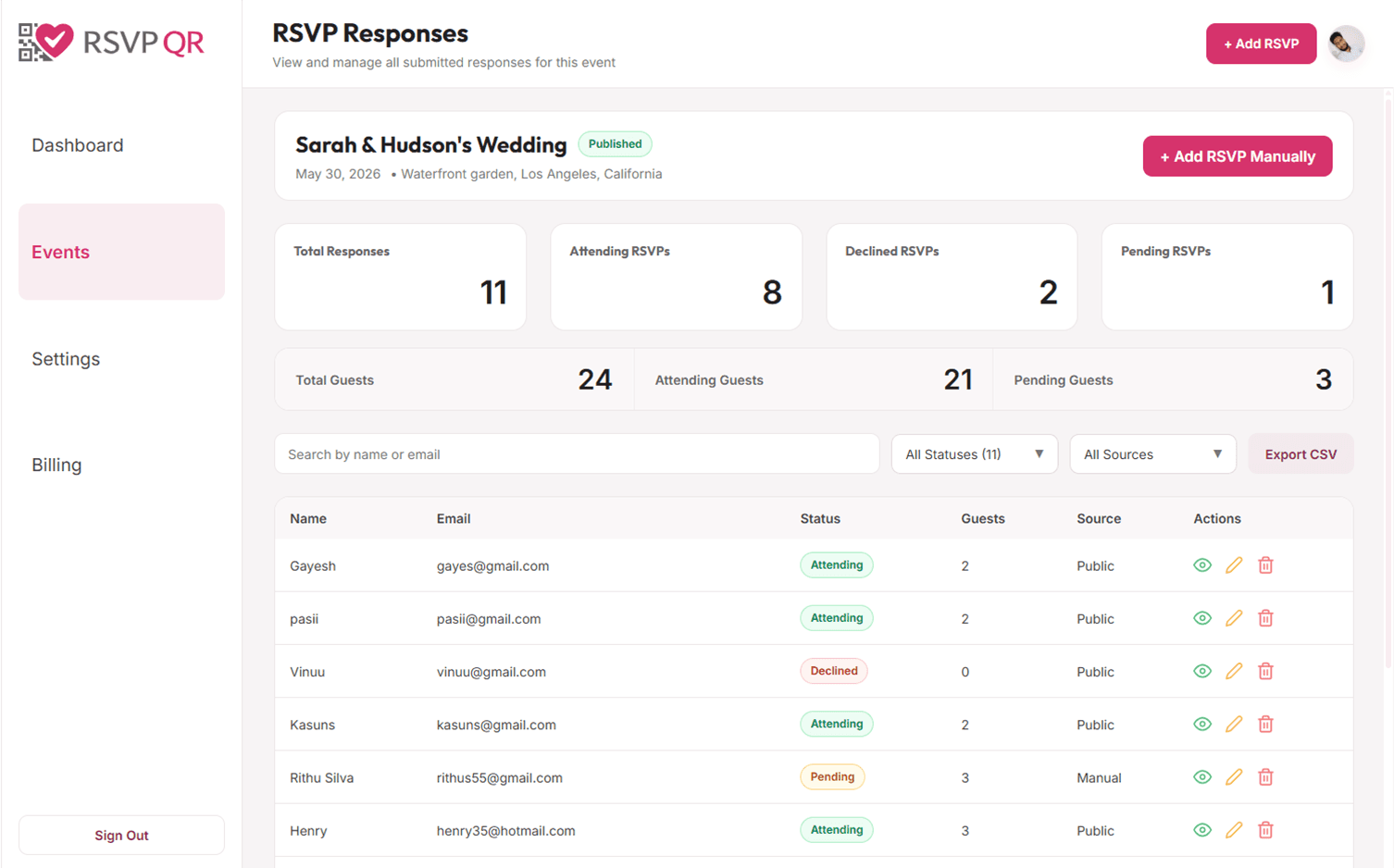
See how one QR-based RSVP flow can work for weddings, parties, baby showers, and business events.
Let guests choose meals and share allergies or dietary restrictions while they RSVP.
Let guests choose meals and share allergies or dietary restrictions while they RSVP.
Collect names, party size, and attendance in one simple RSVP flow.
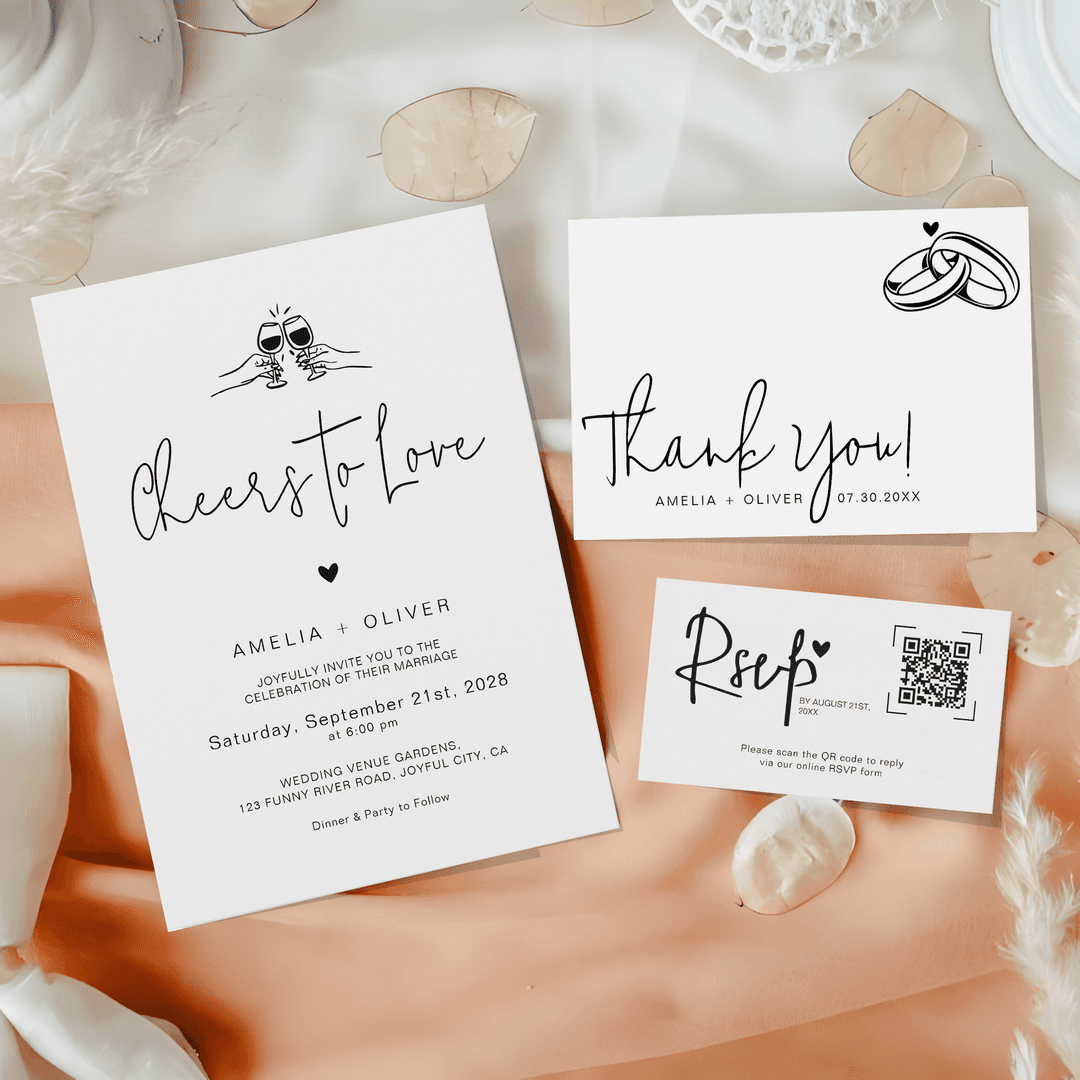
Add a QR code to your invitation suite so guests can scan and respond in seconds.
Set up your RSVP flow in four simple steps
Add your event name, date, location, and RSVP deadline in one simple flow. This gives you a clean event page ready for guests.
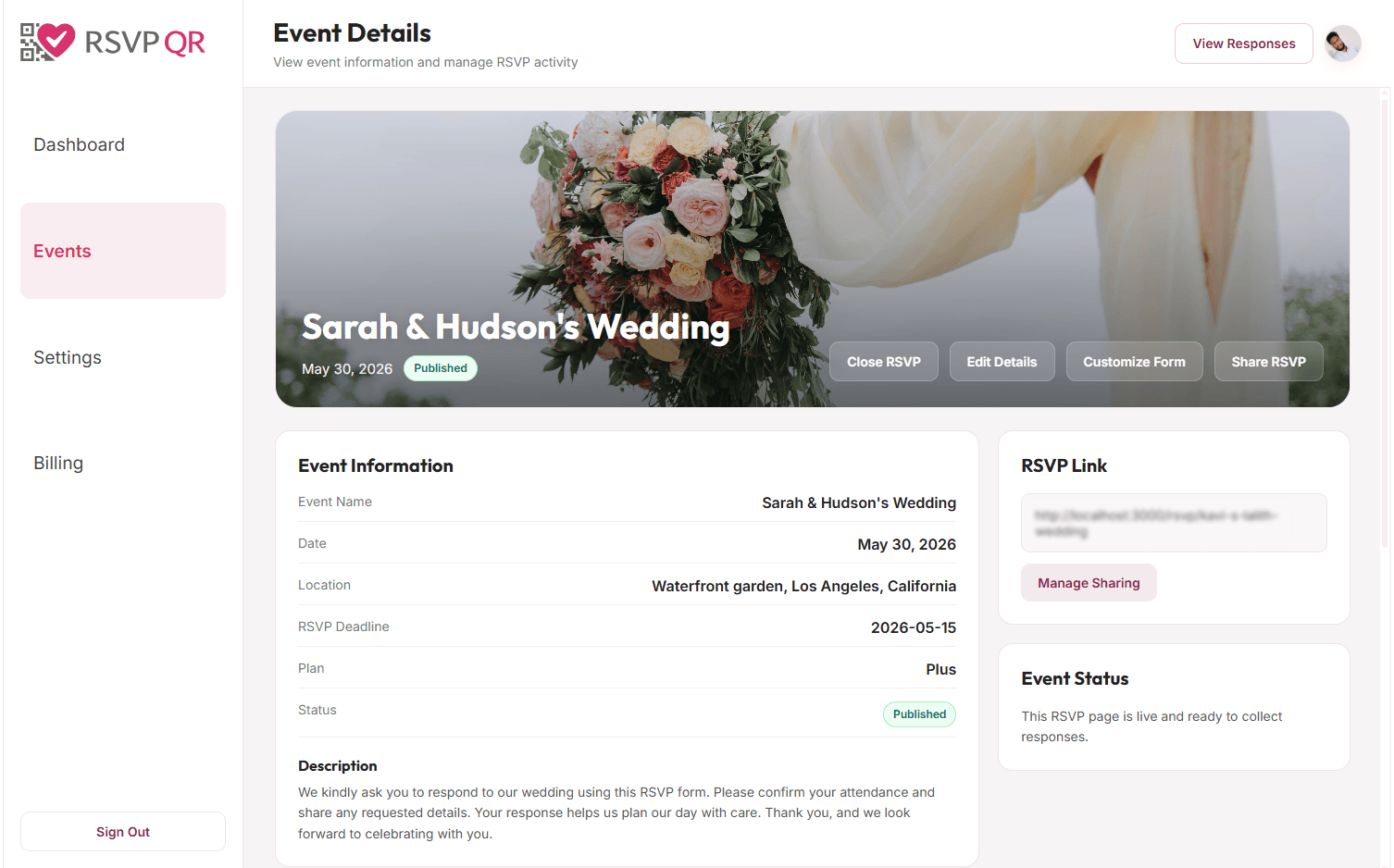
Add your event name, date, location, and RSVP deadline in one simple flow. This gives you a clean event page ready for guests.
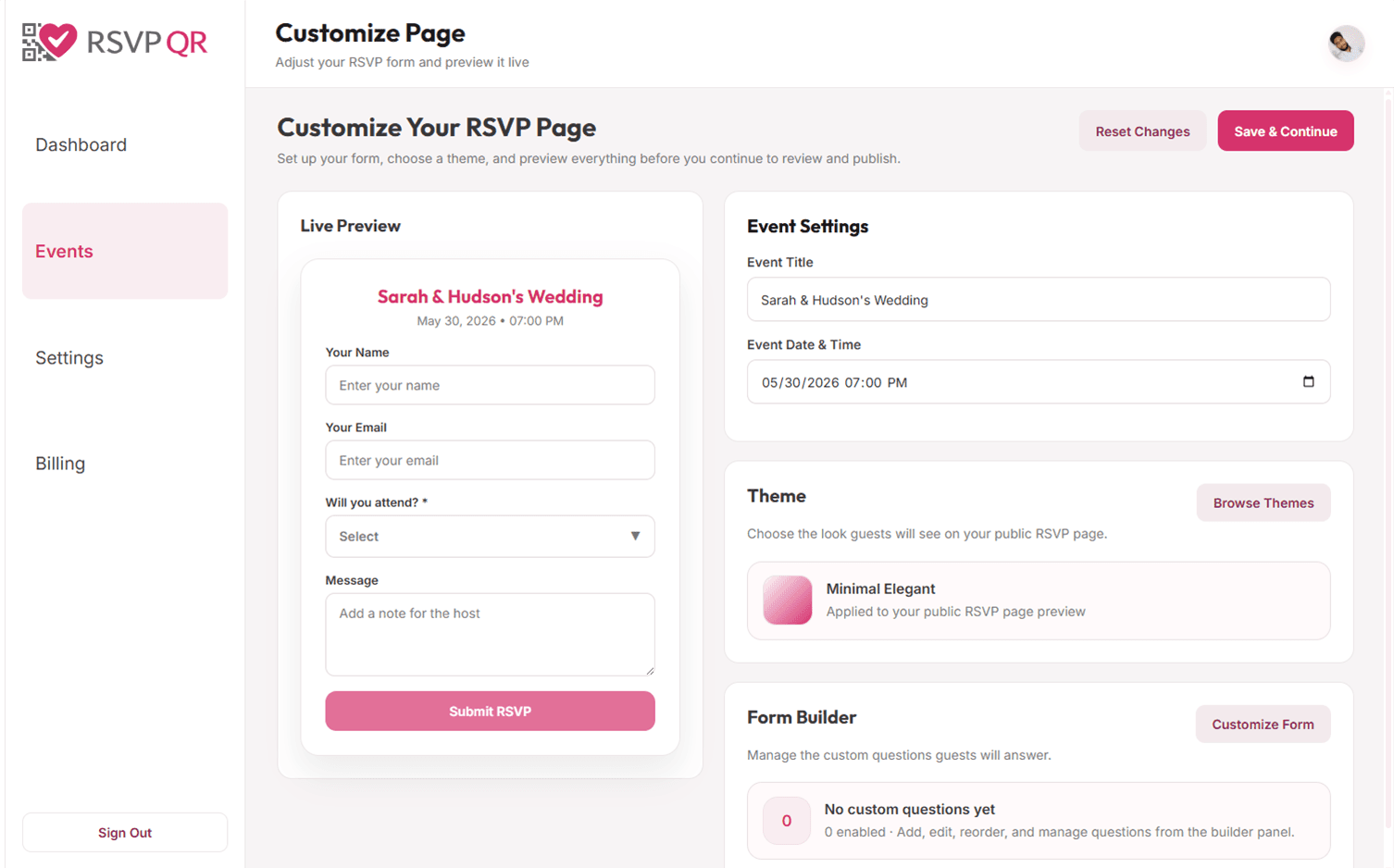
Customize your RSVP form with useful fields like meal choices, plus-one details, dietary notes, accessibility needs, and more.
Download your QR code or copy your RSVP link and place it on invitations, inserts, signs, or messages so guests can RSVP in seconds.
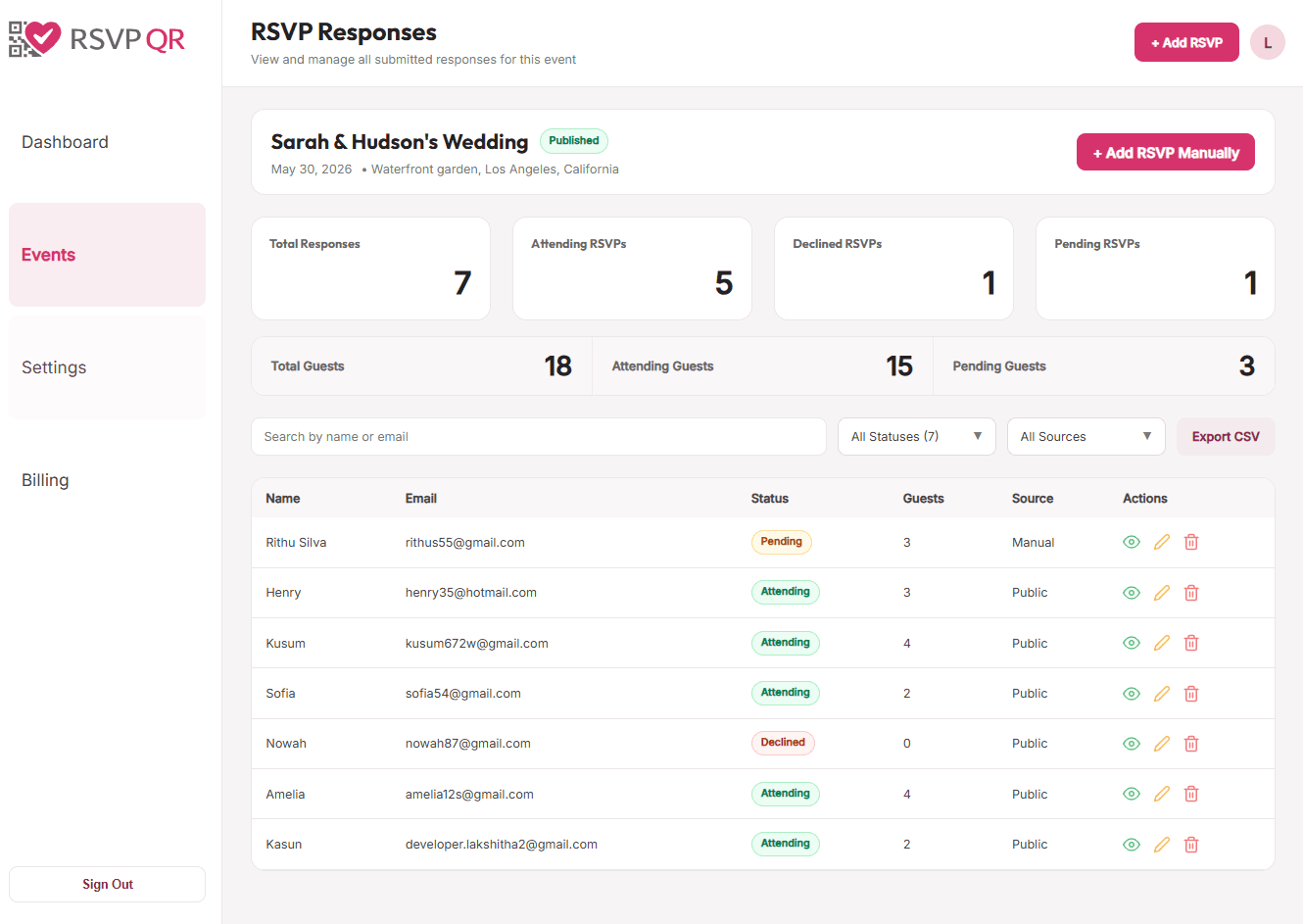
Track who is attending, declined, or still pending. Keep your guest list organized and make planning decisions with confidence.
Powerful tools designed to make your event planning effortless
Download your QR code in PNG or SVG. Print-ready for invitations, signage, and event materials.
Ask guests about meals, activities, restrictions, or anything else important for your event.
Watch RSVPs come in live and instantly see who is attending, declined, or still pending.
Guests can RSVP from any device, from smartphones to tablets, without downloading an app.
Manage events, view responses, organize guest details, and keep everything in one clear place.
Guests do not need an account. They simply scan the QR code and respond in seconds.
Perfect for
RSVP QR gives you a seamless, paperless RSVP experience for both hosts and guests. It keeps planning simple, organized, and stress free.
No more manual data entry or lost response cards. Everything is collected clearly in one place.
Add your QR code directly to your printed invitations, RSVP cards, signs, or inserts.
Weddings, birthdays, baby showers, corporate events, and many other celebrations.
Hosts can manage events easily, while guests can confirm their attendance quickly without accounts or complicated steps.
One-time payment per event. No subscriptions. No hidden fees.
$0/event
Free during early access. Best for weddings and events.
✓Up to 1000 RSVPs
✓Custom QR code
✓Real-time RSVP tracking
✓Export guest list
✓4 months event access
✓Email support
No credit card required
$9/event
Perfect for weddings and most special events.
✓Up to 1500 RSVPs
✓Custom QR code
✓Real-time RSVP tracking
✓Export guest list
✓6 months event access
✓Email support
$19/event
Best for large events, planners, and advanced needs.
✓Unlimited RSVPs
✓Custom QR code
✓Real-time RSVP tracking
✓Export guest list
✓Email reminders to guests
✓12 months event access
✓Priority email support
Everything you need to know about using RSVP QR
Create your event, customize your RSVP form, and share your QR code or RSVP link with guests. When guests scan the code or open the link, they can submit their response in seconds.
No. Guests do not need an account or login. They simply open your RSVP page and submit their response.
Yes. You can add custom questions such as meal choices, dietary restrictions, plus-one details, accessibility needs, song requests, and more.
Yes. You can update many event details and RSVP form settings after sharing or printing the QR code. Your guests will still reach the same RSVP page when they scan it.
Yes. You can send the RSVP link directly by email, WhatsApp, text message, or any other messaging app.
RSVP QR works especially well for weddings, birthday parties, baby showers, bridal showers, graduations, family gatherings, and corporate events.
Yes. You can see who is attending, declined, or still pending from your dashboard as responses come in.
Yes. RSVP QR is designed to work well with printed invitations, enclosure cards, inserts, welcome signs, and event stationery.