Wedding RSVP website with a QR code
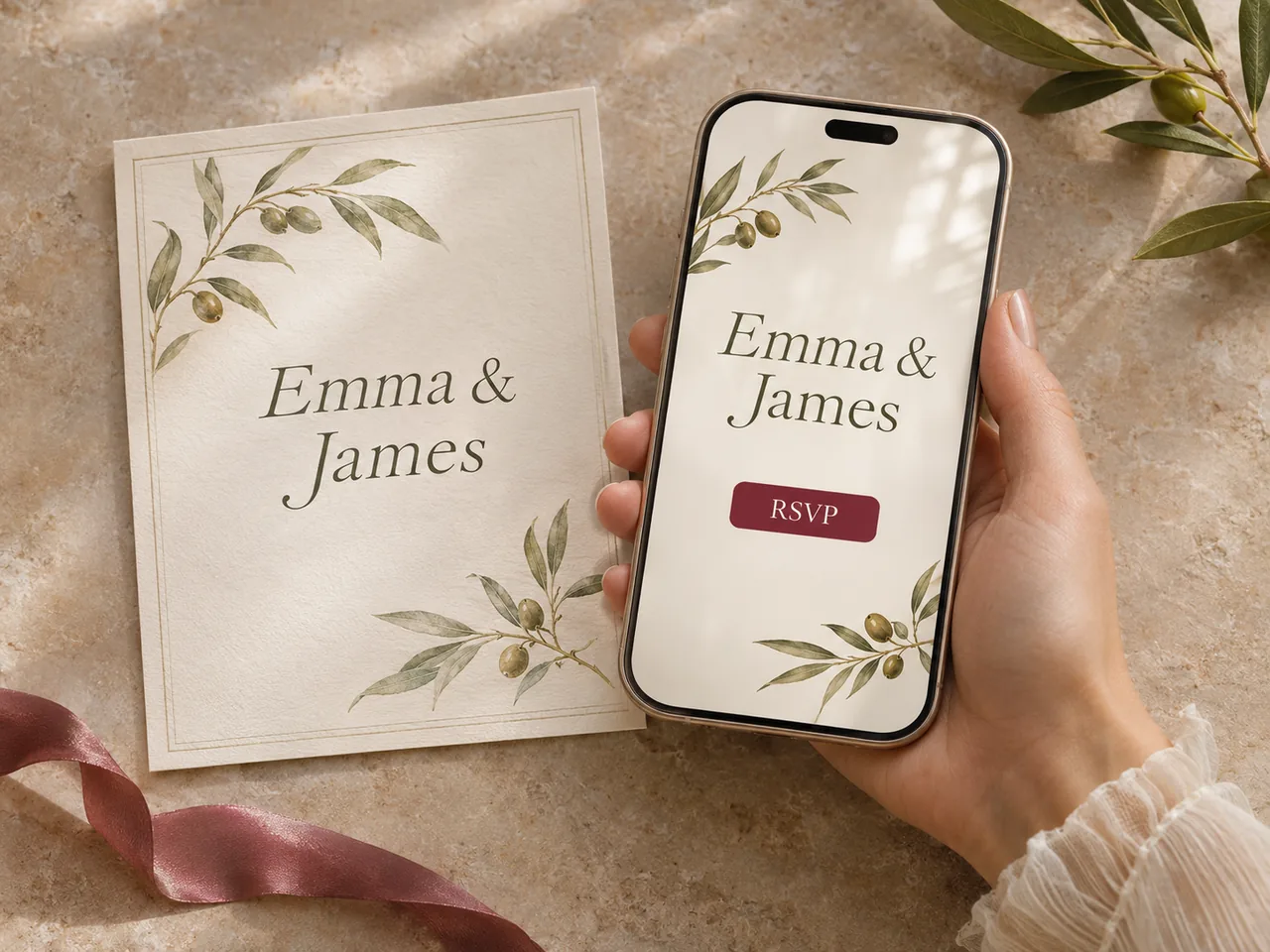
Collect wedding RSVPs online with Get RSVP QR. Share a link or add a printable QR code to your invitations. Guests can reply on their phones without creating an account.
How to set up your wedding RSVP
Set up your RSVP page
Add your wedding date, location, and reply deadline. Choose an invitation theme and decide which guest details to collect.
Share the link or QR code
Publish your page. Send the link by text or email, or download its QR code to add to invitations and reply cards.
Review the replies
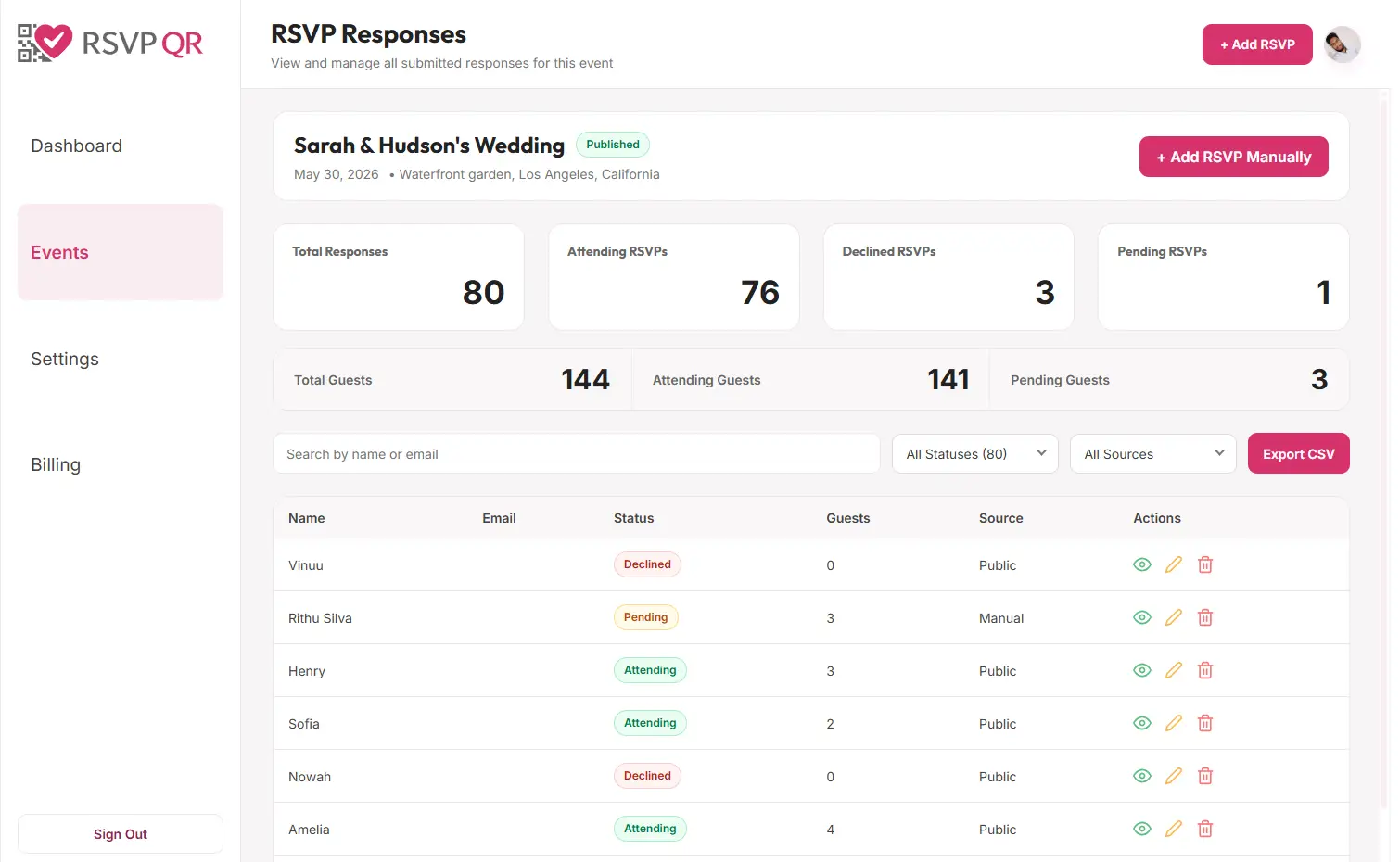
Open the responses dashboard to see who’s coming, who declined, and how many people are included on each RSVP.
Collect the details you need for the reception
- Plus-ones and children
- Ask who’s coming and turn on separate adult and child counts to plan seats.
- Meal choices and dietary needs
- Add a custom question so guests can tell you what meals to reserve for their party.
Example If a family RSVPs for two adults and one child, you’ll see one reply and three guests in your totals.

See your headcount as guests reply
Use the dashboard to see attending, declined, and pending replies. Export the responses as a CSV to share with your planner or venue.
Wedding RSVP FAQs
What is a wedding RSVP website?
A wedding RSVP website is a page where guests say whether they’re coming and share details such as their party size or meal choices. The couple can review the replies in one place.
Do guests need an account to RSVP to my wedding?
Guests can reply in their browser without an account, email address, or app. They can tap your RSVP link or scan your invitation QR code with their phone camera.
How do I collect meal choices for my wedding?
Add a custom question to your RSVP form before sharing it. If people reply for several guests, ask them to list each guest’s name and meal choice in the same answer.
Can guests change their wedding RSVP?
Yes. Guests can save the private edit link shown on their confirmation page. They can use it to update their reply while your event is accepting RSVPs.
Can I create a wedding RSVP page for free?
Yes. You can start with the Free plan. See plan limits for the number of RSVP replies and custom questions each plan supports.
Can I use QR entry passes at my wedding reception?
Yes. Turn on guest check-in. Guests who RSVP yes can download one pass for everyone on their reply. Scan the pass at the door to record arrivals.